With the Scan & Recognize feature in the Kees de Boekhouder web app, scanning your receipts is incredibly easy and fast. Using AI, most data gets automatically filled in when you upload an expense. Just a quick double-check and you’re done!
Spend less time uploading receipts with Scan & Recognize
AI-driven scanning system does most of the work for you
With the Scan & Recognize feature in the Kees de Boekhouder web app, scanning your receipts is incredibly easy and fast. Using AI, most data gets automatically filled in when you upload an expense. Just a quick double-check and you’re done!
Spend less time uploading receipts with Scan & Recognize
AI-driven scanning system does most of the work for you
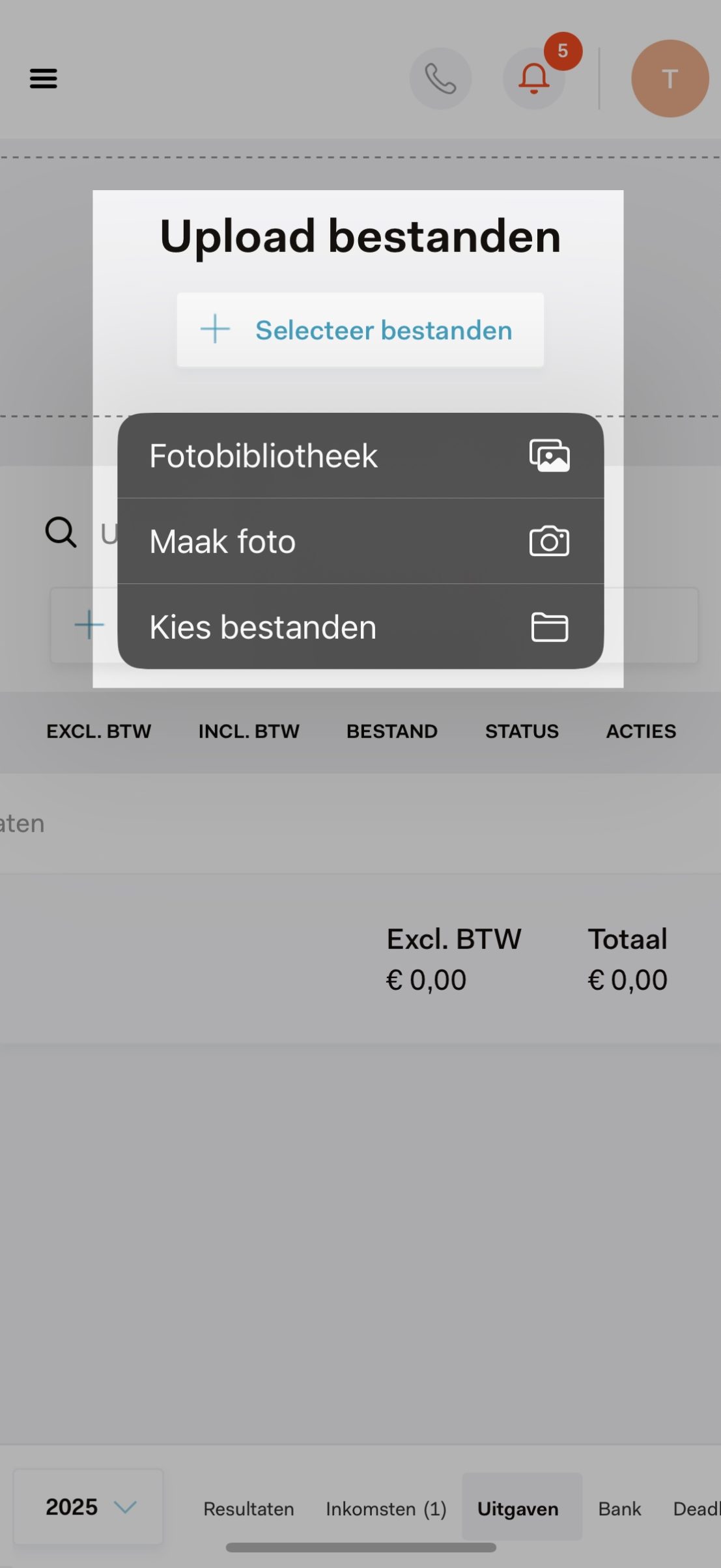
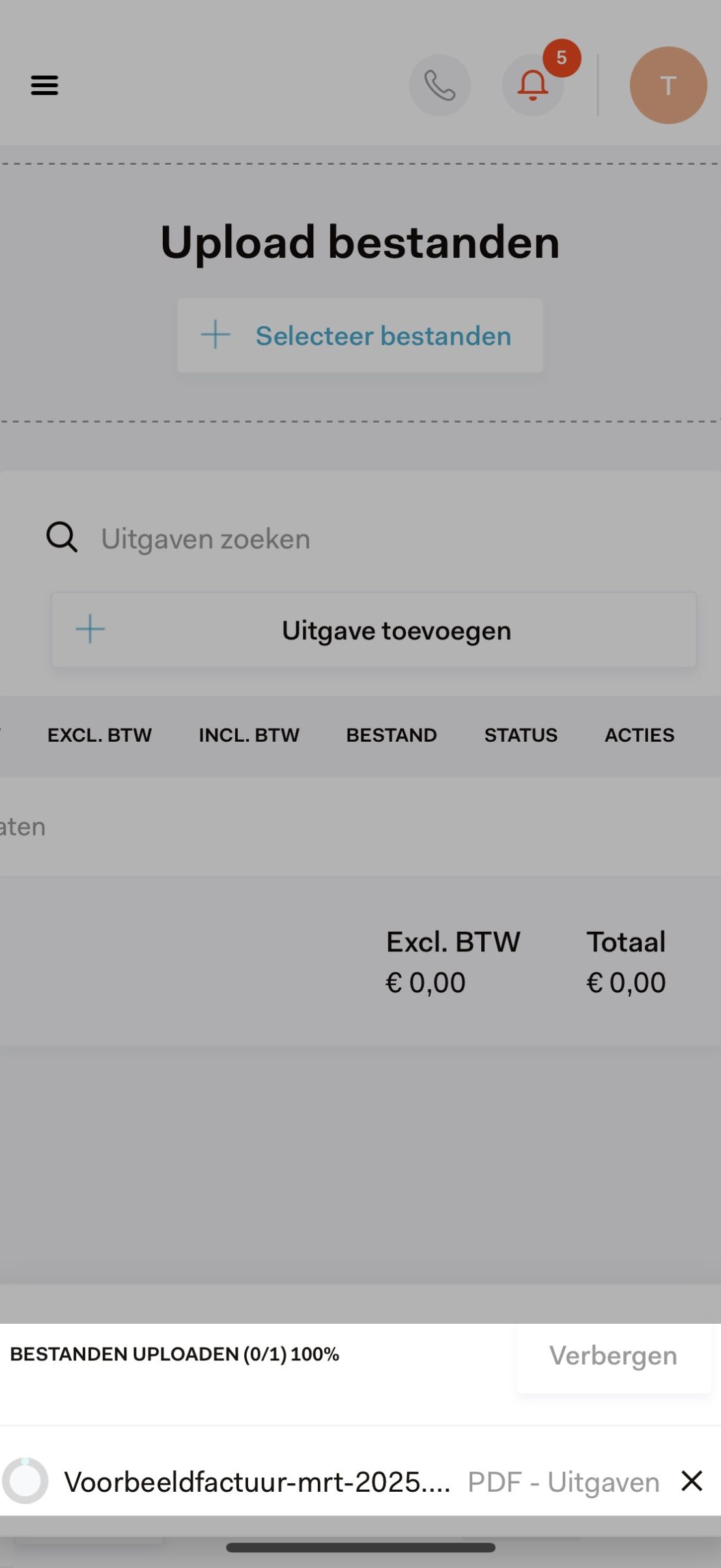
Upload your files In the web app, go to ‘Accounting’ and then ‘Expenses’. Click on ‘Upload files’.
02
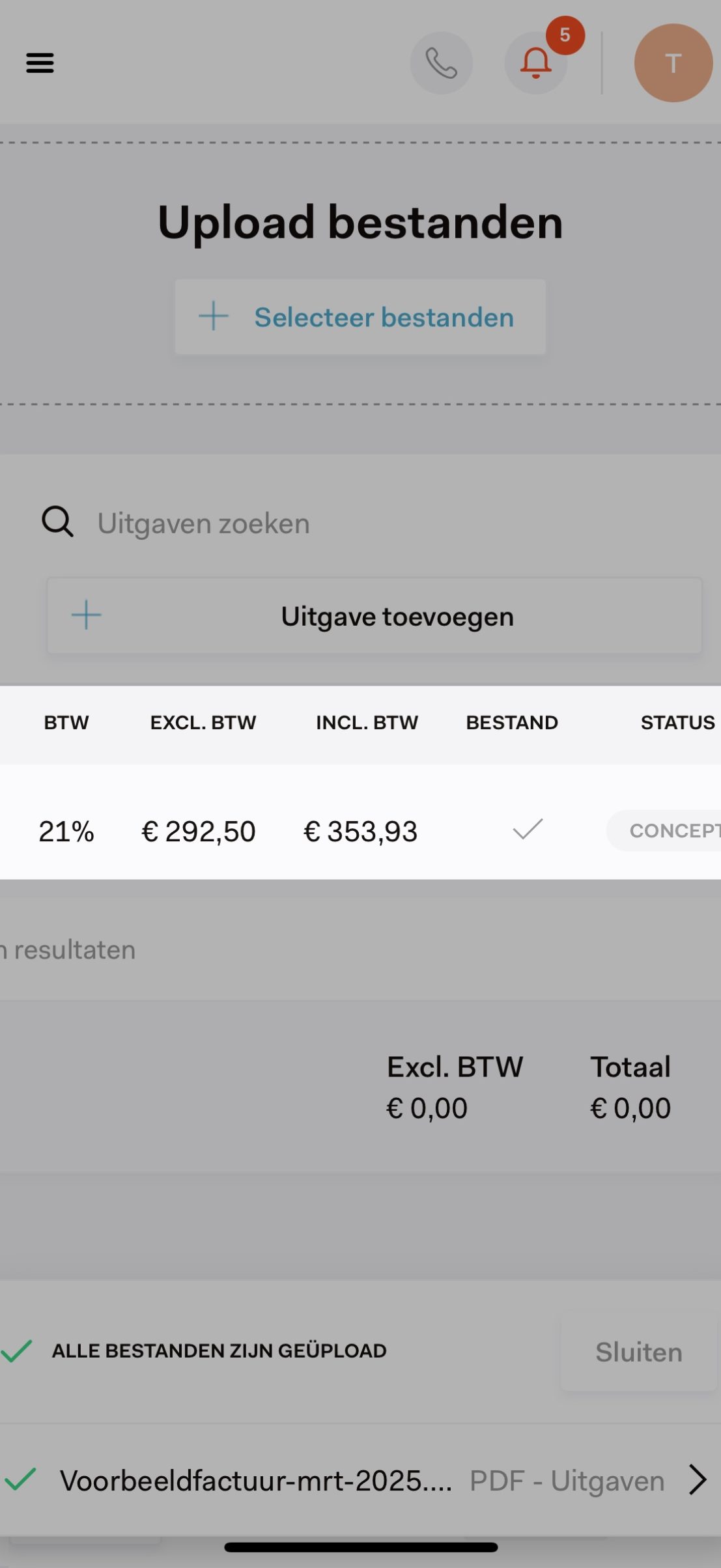
Check the data You’ll see a draft entry with information filled in by our AI. Review this carefully.
03
Add your expense Double-check if all details are correct and add it to your records. That’s it!
What do our clients say?
“I can be quite chaotic, so for me, it’s a lifesaver that I can upload receipts into the web app directly when I get them – and have them processed immediately. All I have to do is a quick final check!”
Tynke – Make-up artist & hairstylist
Everything you need to know about Scan & Recognize
01
Automatic recognition Our AI-driven software automatically reads all relevant data from your receipts and invoices.
02
Multiple file types supported Not only can you upload photos of paper receipts, but you can also easily drag and drop PDF invoices directly into your administration.
03
Your data securely online All scanned documents are safely stored in the cloud. They meet the requirements of the Dutch Tax and Customs Administration (Belastingdienst) for a legally valid digital archive.
04
Real-time overview Every receipt and invoice is processed in your records immediately. This gives you up-to-date insight into your expenses and their impact on your business, anytime and anywhere.
Bonnetjesscanner
Frequently asked questions
Are digital receipts legally valid?
Yes, digital receipts are considered legally valid by the Dutch Tax and Customs Administration (Belastingdienst), as long as they meet the minimum requirements set by the tax authorities.
Which file formats can I upload?
You can upload both photos and PDF files directly into the Kees de Boekhouder web app.
What if the app makes a mistake?
While we are continuously optimizing our AI-driven scanning system, an occasional error may still occur. That is why we ask you to verify the automatically populated data before adding the expense to your records!